Télécharger pour lire hors ligne

![Install De Webiopi
1.0
Osistar
p. 2
Maintenant les commandes :
sudo webiopi [-h] [-c config] [-l log] [-s script] [-d] [port]
Options:
-h, --help Display this help
-c, --config file Load config from file
-l, --log file Log to file
-s, --script file Load script from file
-d, --debug Enable DEBUG
Arguments:
port Port to bind the HTTP Server
Pour Stopper ou démarrer le service :
sudo /etc/init.d/webiopi start
and
$ sudo /etc/init.d/webiopi stop](https://image.slidesharecdn.com/5-130717051509-phpapp02/85/5-0-install-de-webiopi-2-320.jpg)

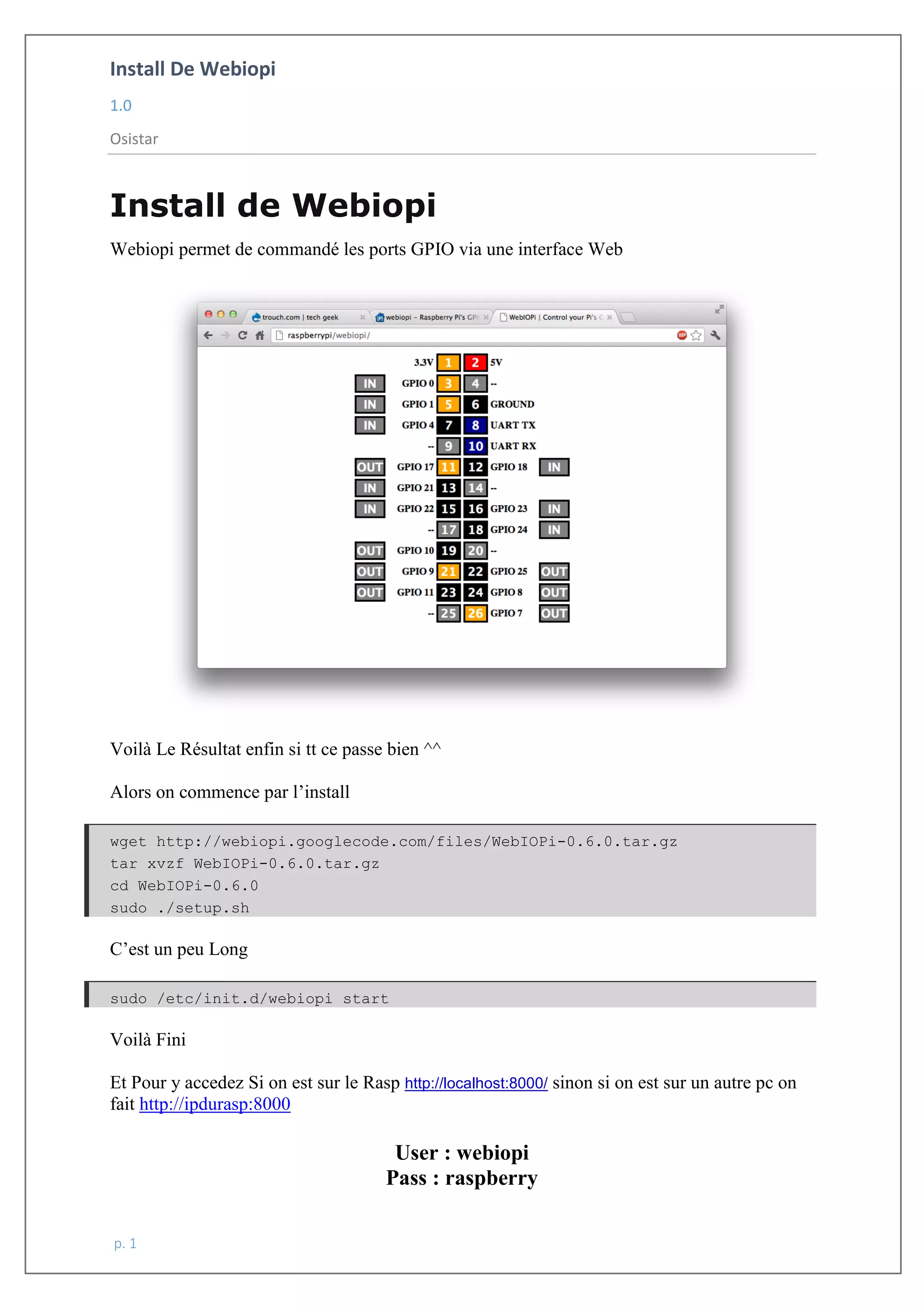
Le document explique l'installation de WebIOPi pour contrôler les ports GPIO via une interface web. Les étapes comprennent le téléchargement de l'archive, l'extraction, et l'exécution du script d'installation, suivies de l'indication de l'URL d'accès. Les commandes pour démarrer, arrêter et configurer WebIOPi sont également fournies.


![cours raspberry [Enregistrement automatique].pptx](https://cdn.slidesharecdn.com/ss_thumbnails/coursraspberryenregistrementautomatique-260206145736-b1015531-thumbnail.jpg?width=640&height=640&fit=bounds)


